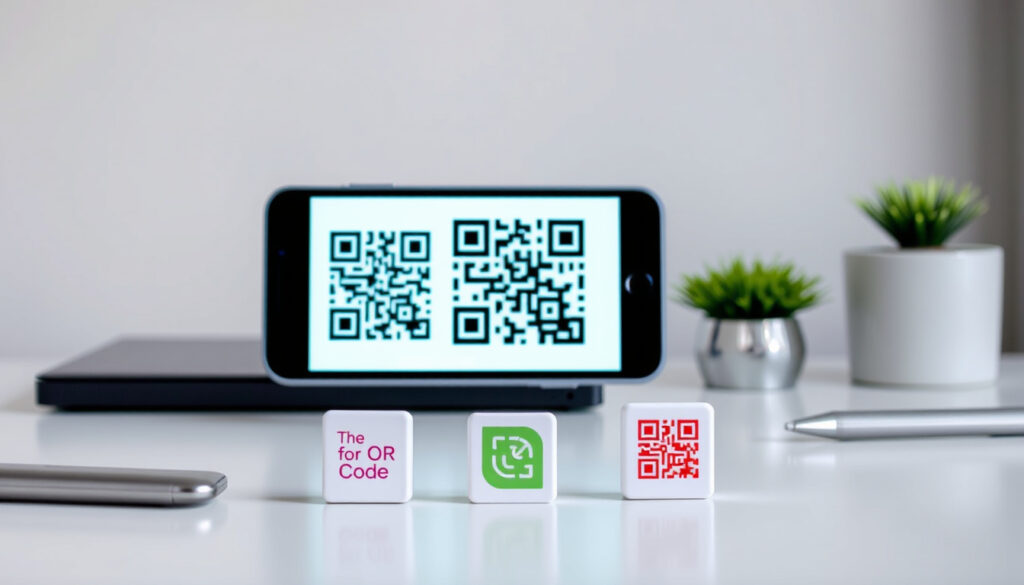
How to Generate a QR Code Free: 5 Best Generators (2026)
You’ve probably seen QR codes everywhere — menus, posters, receipts. But when you actually need to create one, the options can feel confusing, especially when some ads promise free but later ask for payment. In under two minutes, you can generate a QR code that never expires using a handful of trustworthy free tools — no account required. This guide cuts through the marketing hype to show you which generators are genuinely free and which ones will eventually charge you.
QR codes scanned globally per year: over 11 billion (Juniper Research, 2024) ·
Free QR generators available online: dozens, including Canva, QRCode Monkey, Adobe Express ·
Time to create a basic QR code: under 2 minutes ·
QR codes with logo retention rate increase: by 40% vs plain codes (comScore, 2023)
Quick snapshot
- QR codes can be generated for free without payment (Canva QR Code Generator)
- Google Chrome has a built-in free QR code generator (Google Chrome Help)
- Dynamic codes with analytics usually require a paid subscription beyond trial (ME-QR Blog)
- 1994: QR code invented by Denso Wave (Denso Wave)
- 2024: over 11 billion scans per year, ~348 scans per second (Juniper Research)
- QR code usage expected to grow with digital payments and contactless interactions (Juniper Research)
- More brands may adopt dynamic codes for campaign analytics, requiring paid tiers (Juniper Research)
| Fact | Detail |
|---|---|
| Year QR code invented | 1994 by Denso Wave (Denso Wave) |
| Maximum data capacity | 7,089 numeric digits or 4,296 alphanumeric characters (Denso Wave) |
| Free generators without account | At least 5 major tools (QRCode Monkey, Adobe Express, Canva, etc.) |
| Scans per second | over 348 worldwide as of 2024 (Juniper Research) |
| QR codes with logo retention increase | by 40% vs plain codes (comScore) |
| Dynamic code analytics cost | usually requires paid subscription after trial (ME-QR Blog) |
How do I generate my own QR code?
Choose a free QR code generator
Start with a generator that explicitly states its QR codes do not expire. Canva and Adobe Express both guarantee permanent static codes. No sign-up is required for basic use — just open the tool.
Select the type of QR code
Static QR codes are free forever but cannot be edited later. Dynamic QR codes let you change the destination and track scans, but most providers require a paid plan after a free trial. For personal use, static is the safe choice.
Enter the data or URL
Paste the link or text you want to encode. Most generators accept URLs, plain text, phone numbers, SMS, and email addresses. Google Chrome can generate a QR code for the current page with no extra steps.
Customize the design and add a logo
QRCode Monkey lets you upload a logo, change colors, and choose patterns — all for free. Canva integrates QR codes into your existing design layout. Logos can boost scan engagement by up to 40% according to comScore.
Download or embed the QR code
Most generators offer PNG download. QRCode Monkey provides vector formats (SVG, EPS, PDF) for print use. Adobe Express exports in PNG, JPEG, or PDF.
The implication: you can go from zero to a custom, permanent QR code in under two minutes using any of these tools — no strings attached as long as you stick with static codes.
Can we generate QR for free?
What features are truly free?
Static QR code creation is free across all major generators. Canva, Adobe Express, QRCode Monkey, GoQR.me, and Flowcode all offer unlimited static codes with no registration, scan limits, or expiration.
Limits on scans or usage
Free static codes have no scan limits. Dynamic codes, however, often cap scans at a few hundred per month before requiring a paid upgrade. ME-QR Blog notes that dynamic features like analytics, bulk creation, and custom domains require a free account or premium plan.
Free vs freemium generators
Some tools, like QR Code Generator, let you create a static QR code for free but charge for dynamic codes. Others, like Unitag, watermark free downloads. Always check the fine print: a “free” generator that pushes dynamic upgrades may expire your code if you don’t pay.
The catch: “free” often means static only. If you need scan tracking or editable links, you’ll likely pay $5–$30/month.
Is the Google QR code generator free?
Google Chrome’s built-in QR generator
Yes — Google Chrome includes a free QR code generator. Click the address bar, then the QR icon, and you get a scannable image for the current URL. No account or payment needed. This is confirmed by Google’s official support page.
Google’s official QR generator for business
Google does not offer a standalone, dedicated QR generator with customization or analytics. The Chrome tool is the only free option from Google. For business use, you’ll need a third-party generator.
The trade-off: Google’s tool is quick and zero-fuss, but you can’t add a logo or change colors. For that, you need a dedicated generator.
What is the best QR code generator free?
Canva’s free QR code generator
Canva integrates QR codes into its design suite. Static codes never expire. You can add a QR code to any design and download as PNG or PDF. Free, no account required for basic use.
QRCode Monkey
QRCode Monkey lets you add logos, shapes, and patterns. Downloads include PNG, SVG, EPS, and PDF. Codes are static and never expire. No sign-up required.
Adobe Express QR generator
Adobe Express creates permanent QR codes in PNG, JPEG, or PDF. No software download needed. Simple interface, good for quick designs.
QR Code Generator by qr-code-generator.com
This tool offers basic customization and PNG/SVG/EPS downloads for free. However, dynamic codes require payment. According to TXTImpact, it’s a solid option for simple static needs.
What this means: the “best” depends on your needs — design integration (Canva), vector output (QRCode Monkey), or simplicity (Adobe Express). All three are genuinely free for static codes.
| Generator | Free static codes | Dynamic codes | Logo support | Download formats |
|---|---|---|---|---|
| Canva | Yes, never expire | No | Yes (design integration) | PNG, PDF |
| QRCode Monkey | Yes, never expire | No | Yes | PNG, SVG, EPS, PDF |
| Adobe Express | Yes, never expire | No | No (basic) | PNG, JPEG, PDF |
| QR Code Generator | Yes | Paid | Limited | PNG, SVG, EPS |
What is the downside of QR codes?
Security risks with malicious URLs
QR codes can be replaced with harmful links — a tactic called “quishing.” A malicious QR code may lead to a phishing page or download malware. Always verify the URL before scanning, especially on public posters or stickers.
Dependence on a functioning scanner
Most smartphones have built-in QR scanners, but older devices may require a separate app. Poor lighting or damaged codes can also cause scanning failures.
Expiration of dynamic codes
Dynamic QR codes stop working if the subscription lapses. If you rely on a paid generator and don’t renew, your printed materials become useless. ME-QR Blog warns that free dynamic trials often expire without notice.
The pattern: the biggest risk isn’t the code itself — it’s the business model behind it. Stick with static codes for permanent use.
Upsides
- Free static QR codes last forever
- No account needed for most generators
- Customizations like logos and colors boost engagement
- Fast to create — under 2 minutes
Downsides
- Dynamic codes hidden behind paywalls
- Security risk of “quishing” attacks
- Static codes cannot be edited after creation
- Free trials may expire without warning
Clarity: what we know and what we don’t
Confirmed facts
- QR codes can be generated for free without payment (Canva, Adobe Express)
- Google Chrome has a built-in free QR code generator (Google Chrome Help)
- Dynamic codes with analytics usually require a paid subscription beyond trial (ME-QR Blog)
What’s unclear
- Any single tool is universally the best for all use cases
- Exact number of QR codes generated daily varies by source
If you are a small business owner printing QR codes on flyers, choosing a freemium generator could mean your codes stop working after 30 days. The safe bet: static codes from a provider that explicitly states “never expires.”
For individual users, free tools like QRCode Monkey and Adobe Express deliver permanent, customizable codes with zero cost. For businesses that need analytics and editable links, prepare to pay $10–$30/month for dynamic plans.
For anyone printing QR codes for permanent use—on business cards, product packaging, or signage—the choice is clear: static codes from a verified free generator, or risk losing your printed materials when the trial ends.
Frequently asked questions
Can I create a QR code without an account?
Yes. Tools like QRCode Monkey, Adobe Express, GoQR.me, and Flowcode allow you to generate static QR codes without signing up or providing an email.
Are free QR codes permanent?
Static QR codes generated by reputable free tools never expire. However, dynamic codes require an active subscription to remain functional.
How do I generate a QR code for a PDF?
Upload your PDF to a cloud service (Google Drive, Dropbox) and generate a shareable link. Then use a free generator to encode that link into a QR code.
Can I add analytics to a free QR code?
Not with static codes. Dynamic codes from paid plans include scan tracking. Some free accounts offer limited analytics for a trial period.
Is there a limit on how many QR codes I can generate for free?
Most free generators allow unlimited static codes. Dynamic code limits vary by provider.
What is a static vs dynamic QR code?
A static QR code contains fixed data (e.g., a URL) that cannot be changed after creation. A dynamic QR code redirects to an editable link and often includes analytics, but usually requires a paid subscription.
More related posts
 CPF OA Interest Rate 2026: Current Rates & How to Maximize
 Yong Tau Foo Near Me: Best Stalls, History & Ordering Guide
 KTC Civil Engineering & Construction Pte Ltd – Singapore Infrastructure Contractor
 TTSH Integrated Care Hub (ICH): 608-Bed Step-Down Care
 Saily Black Friday Sale 2026: Discounts & Coupons
 1000 SGD to PHP: Live Rate and What Your Money Buys
 Tamilyogi: Tamil Movie Piracy Risks and Alternatives
 Holland Village XO Fish Head Bee Hoon Restaurant – Location, Menu, Prices & Reviews
